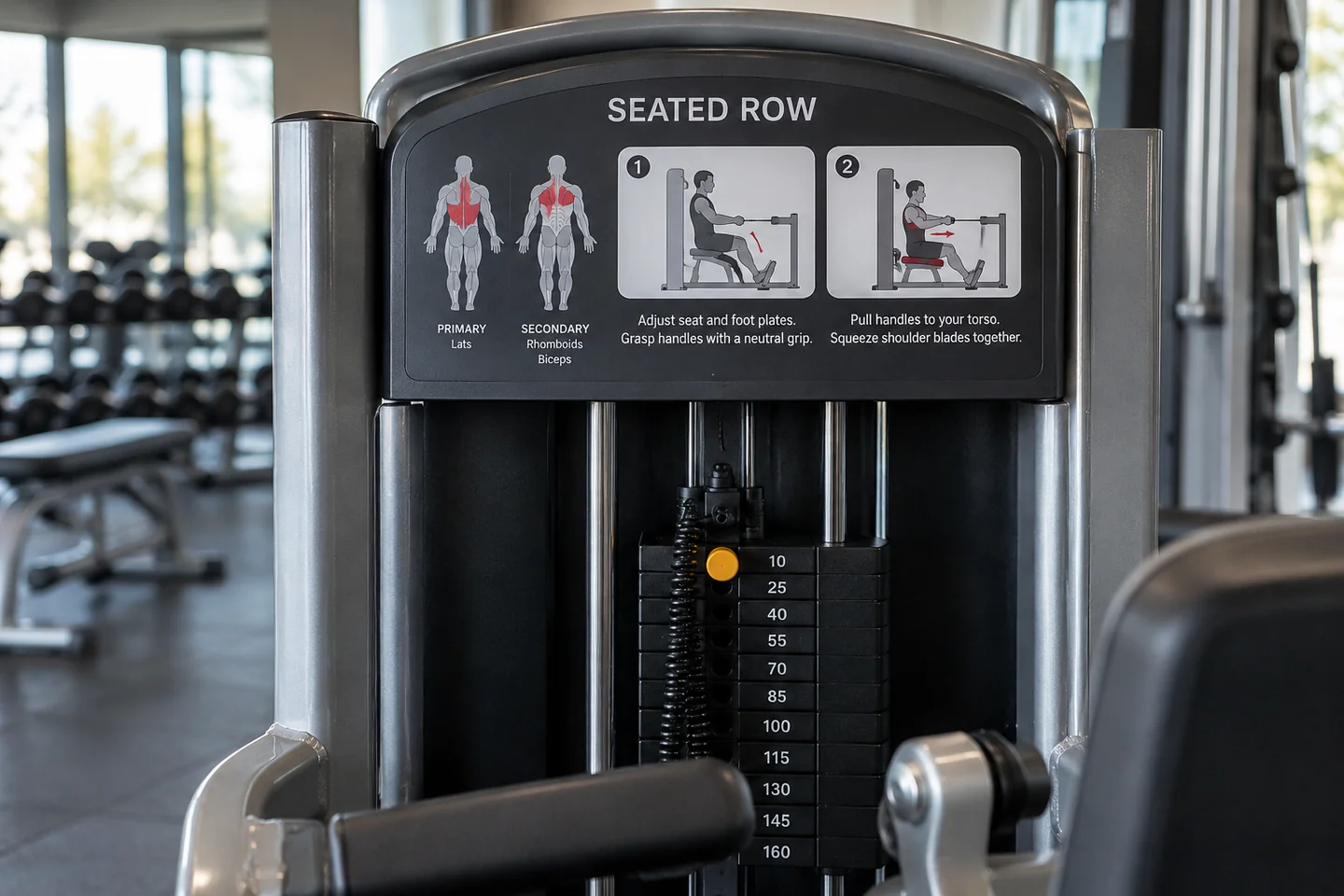
Read the name before the picture
A machine's name is the first useful piece of information on its label. It lets you match the station to the one an instructor described and ask a specific question later. Two machines with similar seats and handles may be designed for different movements. Do not let a familiar silhouette replace checking which station you are about to use.
Look for the manufacturer and model if you need further instructions. A video for another model may show controls in different places. If the panel is missing or worn, ask staff to identify the machine rather than guessing from a neighbouring unit. Equipment sometimes arrives from several manufacturers even within one small gym.
Read warnings and adjustment instructions before concentrating on the exercise illustration. These may explain the order of setup, how a selector should engage or which parts must remain clear. A diagram showing the start and finish of a movement is only one part of operating the equipment.
Translate the diagram into questions
Notice what the illustration does not answer. It may not show how to release the seat lever or which adjustment fits the person currently using it. It may depict a simplified figure with proportions unlike yours. Ask an instructor to explain those details on the actual machine and check your understanding before beginning.
Use the label to make the conversation more precise: 'Does this arrow refer to the seat height or the back pad?' is a good question. So is asking whether a setting number is a position reference rather than a measure of resistance. You do not need to know the technical vocabulary before seeking clarification.
If the machine has a QR code, consider whether you need to use it. The gym may have a straightforward printed guide or an instructor available. When using a linked resource, check that it belongs to the manufacturer or facility and corresponds to the model. Avoid entering personal information merely to read basic operating instructions unless you understand the service involved.
An illustration may use arrows to show a movement path and shaded areas to suggest the muscles involved. Those graphics do not tell you how much resistance to choose or whether the exercise fits your current plan. Keep the questions separate: first understand the machine's operation, then follow appropriate instruction about using it. This prevents a compact information panel from being asked to do a job it was never designed to do.
Keep a useful reference
After a demonstration, note the machine name and any setup detail that was hard to remember. Do not copy another user's settings or treat the illustration as a personalised exercise prescription. The label explains the equipment; a suitable introduction helps you understand how you are going to use it.
Return to staff if the controls do not behave as described. A lever that seems stuck or a selector that will not seat properly is not an invitation to force it. Once you know what a correct setup looks and feels like, the panel can become a reminder. Until then, it is a starting point for questions rather than a substitute for instruction.
When a label and demonstration seem different
Stop and ask which instruction applies. Sometimes a panel covers several configurations, or an instructor is explaining a particular permitted use. You should be able to understand the distinction before proceeding. Do not quietly combine parts of both explanations into a third setup. If the label itself is incorrect, damaged or unreadable, staff should deal with the information problem rather than leaving each member to solve it independently.