Find the controls that matter
A stationary bike may wake when you pedal, require a start button or open a menu before doing anything useful. Ask for a demonstration of the model you plan to use. Find the resistance adjustment, pause or stop control and the way to end a session. Learning those functions is enough for an initial orientation; the entertainment menu can wait.
The seat and handlebar adjustments deserve attention before the screen. Have a staff member explain the setup and locking mechanisms. A console profile cannot compensate for an adjustment you have not understood. If the controls or pedals are unfamiliar, arrange an introduction rather than trying to copy someone on a different bike.
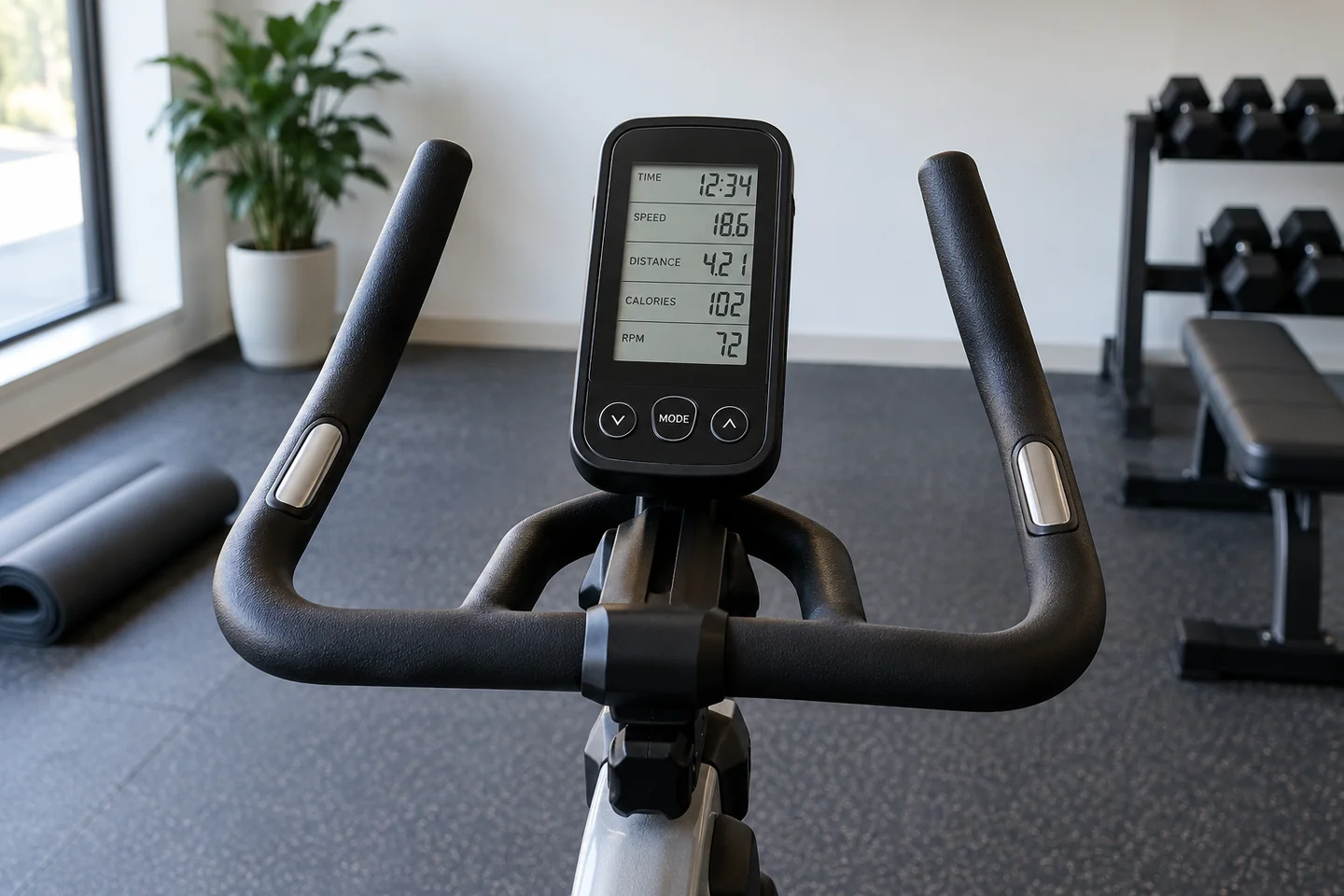
Displays commonly show several numbers at once. Check the label and unit before attaching meaning to one of them. Elapsed time, distance, cadence and a programmed resistance level describe different things. A higher number on one line is not a general score for how well you are exercising.
You can decline the extra features
Some bikes offer account sign-in, app pairing or saved programmes. You do not need to connect your phone simply because a screen invites you to. Ask whether there is a guest mode and how to clear personal information at the end. Avoid leaving an account open on shared equipment.
If you want a record, note only the settings you understand and the machine type. Do not compare numbers from unrelated models as though they were identical measurements. A different console may use a different resistance scale or display calculation, so ask before treating the change as progress or a setback.
Finish using the bike according to its instructions, allow any moving parts to stop and leave it clean under the gym's procedure. If the display freezes or an adjustment behaves unexpectedly, ask staff rather than repeatedly pressing controls. A useful first encounter ends with you knowing how to operate the bike, not having explored every programme it contains.